
Subscribe to Updates

    Get the latest creative news from FooBar about art, design and business.

    What's Hot

    RIDE 6 Review – Joyride or Stopover?

    February 10, 2026

    All confirmed CM Punk Showcase matches so far

    February 10, 2026

    NBA 2K26 2KTV Episode 19 Answers

    February 7, 2026
    Facebook Twitter Instagram
    Gaming Dark
    • Home
    • Reviews

      Hitman 3 on PS5 vs Xbox Series X: Which Version Wins

      January 15, 2021
      8.9

      Apex Legends Will Get Fortnite-Style Game-Changing Live Events

      January 15, 2021
      8.9

      Leaked Fortnite Skins and Cosmetic Items from v9.50 Update

      January 15, 2021

      CoD: New Patch of Black Ops Cold War Notes Firebase Z Maps

      January 14, 2021
      72

      Valorant Patch 2.02: Rifle Accuracy Change & Omen Teleport Bug Fixed

      January 14, 2021
    • Playstation
      1. Reviews
      2. Xbox
      3. Guides
      4. View All

      Hitman 3 on PS5 vs Xbox Series X: Which Version Wins

      January 15, 2021
      8.9

      Apex Legends Will Get Fortnite-Style Game-Changing Live Events

      January 15, 2021
      8.9

      Leaked Fortnite Skins and Cosmetic Items from v9.50 Update

      January 15, 2021

      CoD: New Patch of Black Ops Cold War Notes Firebase Z Maps

      January 14, 2021

      New Fortnite 2021 Leak Reveals Monster’s Return

      January 15, 2021

      Overwatch: In-Game goodies Revealed in BlizzCon 2021

      January 14, 2021

      PlayStation 5’s Mario Game & Watch is a Choice Gaming Stuffer

      January 13, 2021

      Gravity Sketch VR 3D Modeling is Now Free to Use

      January 13, 2021

      The Finals deploys new World Tour update alongside some dicey nerfs

      September 27, 2025

      Get your Suicide Squad XP boost as there’s just 4 days until Season 2

      September 27, 2025

      You can preload The First Descendant right now on PS5 and Xbox

      September 27, 2025

      This Starfield Xbox mod lets you skip all the boring stuff immediately

      September 27, 2025

      PS5 System Update Fixes PS5 Disc Installation Bug

      January 15, 2021

      Fortnite Crossover Official: Snake Eyes Joins the Hunt

      January 14, 2021

      Ghostrunner An Exhilarating Display of Acrobatic Platform

      January 14, 2021

      15 Things You Need To Know Before You Buy Pokémon

      January 14, 2021
    • PC Games
    • Guides
    • Xbox
    Facebook Twitter Instagram
    Gaming Dark
    Home»PC Games»How to use DRS and ERS in F1 25
    PC Games

    How to use DRS and ERS in F1 25

    By adminMay 29, 2025No Comments3 Mins Read
    Share
    Facebook Twitter LinkedIn Pinterest Email

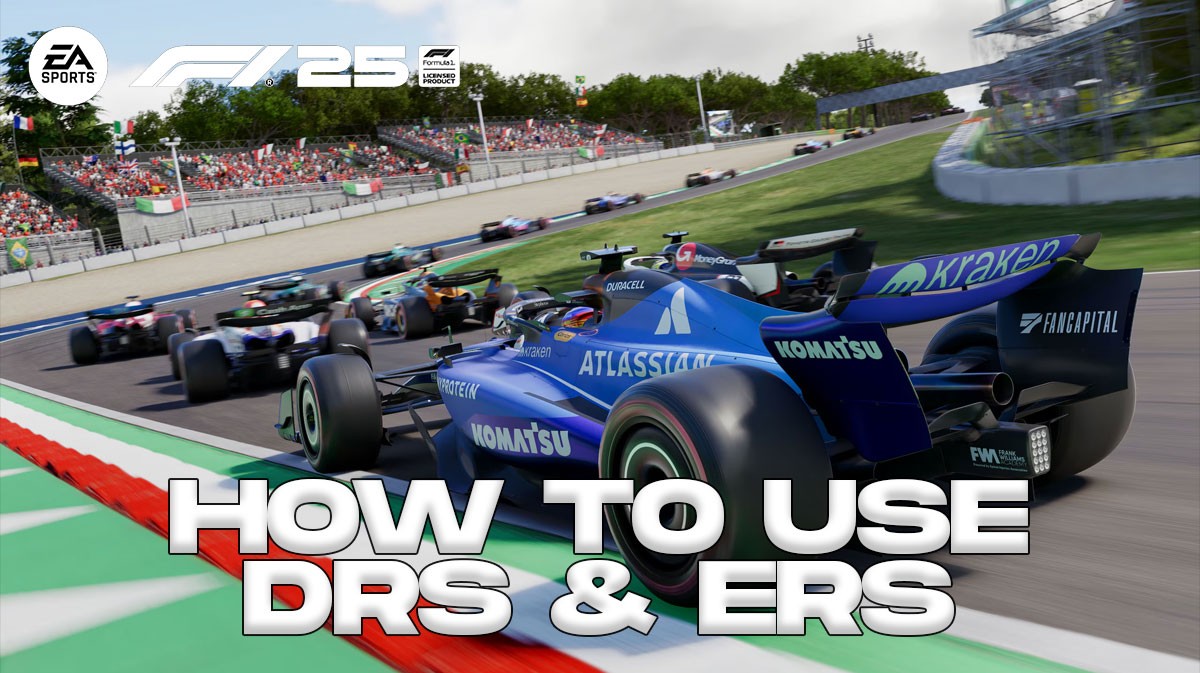
    In EA Sports F1 25, you need to make good use of your DRS (Drag Reduction System), and ERS (Energy Recovery System) if you want to race with the best. While you can set these systems up to turn on automatically, you can manually activate them as well. For those who want a bit more control over their experience, this guide will cover how to use your DRS and ERS in F1 25.

    How do you use DRS and ERS in F1 25?

    How to use DRS in EA Sports F1 25

    In F1 25, there are two ways the player can activate DRS:

    • Turn on the DRS Assist Option in the Assists Menu
    • Press the assigned DRS button on your controller when entering a DRS Zone

    DRS stands for Drag Reduction System. Essentially, it allows a driver to open the rear wing of their car, thereby reducing drag and making them drive faster. However, DRS can only be used in specific DRS Zones. Additionally, you must be within one second of the car ahead of you. If you’re not sure what a DRS Zone is don’t worry, because:

      • Your team will let you know when DRS becomes active
      • An on-screen display will notify you when DRS can be used

    If you have DRS set to automatic, you need not worry about wondering when to activate it. The game activates it for you, giving you a great increase in speed. However, if you set DRS to manual, you need to press a button to activate it. Check your Settings (specifically, the Controller, Vibration, Force menu) to see what button input you need to use.

    How to use ERS in F1 25

    To use ERS in F1 25:

    • Turn the ERS Assist option on in the Assists Menu
    • Press the assigned ERS button on you controller

    ERS stands for Energy Recovery System. Overall, it lets you recharge during a race, giving you a bit extra power on the grid. While not seemingly as impactful as DRS, ERS can be quite useful in long races where durability is key.

    Overall, the player has two methods of using ERS. You can either turn the ERS assist option on and let the game decide when you use it. But if you want a bit more control, check your Settings (Controller, Vibration, Force) menu to look at your button layout.

    During a race, you can see how much ERS you have remaining. In general, it’s good practice to check your ERS levels throughout a race to know when you need to recharge. It’s not just speed that matters on the circuit, but also the ability actually finish a race. In order to maintain a pole position, you must make efficient use of both the DRS and ERS.

    Overall, that’s everything you need to know to use DRS and ERS in F1 25. We hope this guide proved useful in helping you achieve faster lap times and more overtakes. Whether you play My Team, Braking Point, or Driver Career, you’ll need to use these systems to surpass other drivers on the grid and earn a podium finish.

    In other news, check out our F1 25 guide for My Team, which received a lot of improvements this year.

    Lastly, for more gaming and Formula 1 news, visit ClutchPoints. Furthermore, subscribe to our gaming newsletter for more weekly info. F

    The post How to use DRS and ERS in F1 25 appeared first on ClutchPoints.

    Share. Facebook Twitter Pinterest LinkedIn Tumblr Email
    admin
    • Website

    Related Posts

    RIDE 6 Review – Joyride or Stopover?

    February 10, 2026

    All confirmed CM Punk Showcase matches so far

    February 10, 2026

    NBA 2K26 2KTV Episode 19 Answers

    February 7, 2026

    WWE 2K26 Season Start Dates & Ringside Pass Details

    February 7, 2026
    Add A Comment

    Leave A Reply Cancel Reply

    Recent Posts

    • RIDE 6 Review – Joyride or Stopover?
    • All confirmed CM Punk Showcase matches so far
    • NBA 2K26 2KTV Episode 19 Answers
    • WWE 2K26 Season Start Dates & Ringside Pass Details
    • WWE 2K26 Gameplay Reveal Shows New Match Types & More

    Recent Comments

    No comments to show.
    Editors Picks

    Fortnite Show is Coming to Both PlayStation and Xbox Consoles

    January 12, 2021

    Resident Evil Features 9 Feet Tall Lady

    January 12, 2021

    Call of Duty Ratings Fall to 4.5 Stars

    January 12, 2021

    New Update 14 of Call of Duty Launched

    January 5, 2021
    Top Reviews
    9.1
    Guides

    Cyberpunk 2077 Players Should Avoid Mods Due to Vulnerabilities

    By admin
    8.9
    Guides

    Oblivion DLC Takes You to Leyawiin and Arena’s Gideon

    By admin
    8.9
    Reviews

    Leaked Fortnite Skins and Cosmetic Items from v9.50 Update

    By admin
    Advertisement
    Demo
    Gaming Dark
    Facebook Twitter Instagram Pinterest Vimeo YouTube
    • Home
    • Reviews
    • Xbox
    • Playstation
    • Privacy Policy
    © 2026 .Designed by WPfastworld

    Type above and press Enter to search. Press Esc to cancel.