
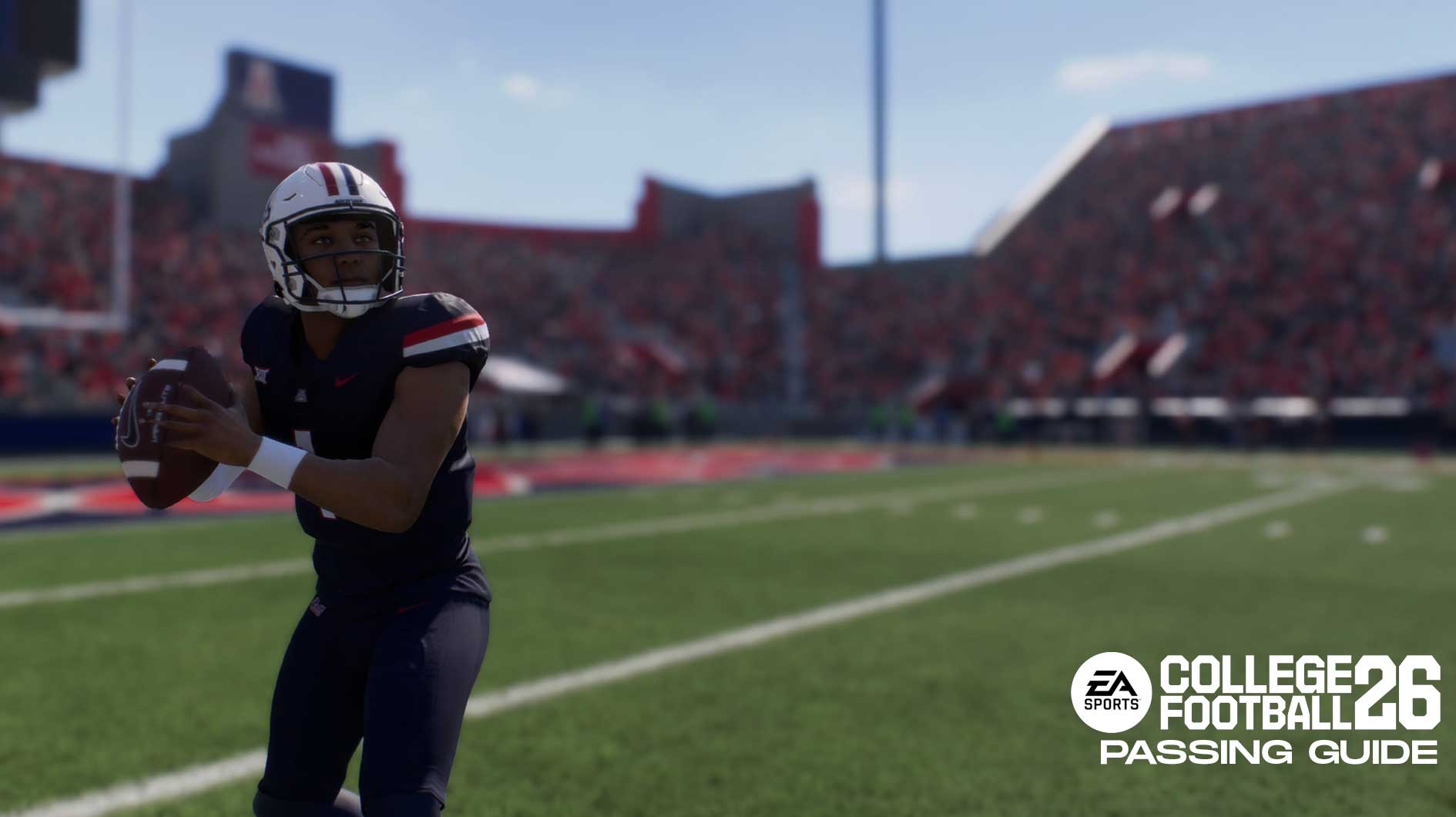
In this College Football 26 Passing Guide, we’ll show you all the different passing types and which ones are the best to use. Overall CFB 26 features four different passing types and also brings new ways to customize your play with new pass protections, custom stem routes, and more. You’ll recognize these passing types if you’ve played CFB 25. But for newcomers, let’s take a deep dive in to this College Football 26 Passing Guide.
All Passing Types in College Football 26 & How They Work
EA Sports College Football 26 features four different passing types:
- Classic
- Placement
- Placement & Accuracy
- Revamped Passing
Firstly, the Classic Passing system works like you’d expect. If you ever played the classic NCAA Football games or older Madden titles, you’ll be familiar with this system. As an old school player, this is the setup I prefer. It does not rely on gimmicks or timed-presses, and you can still use the analog stick to influence your pass direction. Overall, Classic Passing is influenced by your player’s ratings.
Placement passing gives you more control of the power of your throw. While accuracy is still determined by your rating, you have a bit more influence on how far you want the ball to go. Overall, if you prefer power over accuracy, choose Placement.
Placement & Accuracy works similarly to the one above, but with emphasis on Power & Accuracy. It’s a bit harder to learn, but you’ll have more control over your power and accuracy. However, the latter depends on your ability to perfectly time your passes. Therefore, practice with this one a bit before using it in a major mode.
Lastly, we come to Revamped Passing, which returns once again. Overall, this system uses a power meter to determine your throw. You can sacrifice some power to rely on accuracy, or hit a perfect pass depending on when you release the ball. Like last year, the system uses three different meters to indicate how your pass was:
- Red – Too much power on the throw, pass is less accurate and more difficult for receiver to catch
- Blue – An accurate throw (Good pass)
- Gold – Perfect throw
Do note that a “Gold” or perfect throw does not always result in a catch. Conversely, red does not always mean you’ll miss your target. You can always switch to your receiver during passes and attempt to catch the ball with them.
What’s the Best Passing Type? – College Football 26 Passing Guide
Like last year, we recommend using either Classic or Revamped Passing system in College Football 26. It all depends on your play style.
If you’re an old-school player who wants something similar to what they remember, then use Classic. It doesn’t rely on gimmicks, and you can still ball out without needing any of the features the other systems provide.
But if you want to try something new, then Revamped Passing is a great system. It does technically give you the most control over your passes. If you like to play online or play competitively, learning this system will give you the best advantage available. Just be prepared for a bit of a learning curve as you try to perfect it.
College Football 26 Passing Controls
| Action | PlayStation 5 | Xbox Series X|S |
| Throw Receiver 1 | X | A |
| Throw Receiver 2 | O | B |
| Throw Receiver 3 | Square | X |
| Throw Receiver 4 | Triangle | Y |
| Throw Receiver 5 | R1 | RB |
| Pump Fake | Double Tap Receiver Button | Double Tap Receiver Icon |
| Scramble | L3 +R2 | LS +RT |
| High Pass Modifier | L1 | LB |
| Free Form on Placement | L2 | LT |
| Throw Ball Away | R3 (During Play) | RS (During Play) |
Additionally, before a play begins you can also customize a few things:
- To Call an Audible – Press Square/X to see a list of plays (Use D-Pad to switch between different formations)
- To open up the Pre-Play menu – press R3 before the play begins
- To open up your Subs menu – Press up on the D-Pad
Like Madden NFL, you can dictate what kind of pass you throw depending on your button press. Tap the button to lob the ball, or hold it longer for a bullet pass. Standard button presses result in normal, or touch passes.
Hot Routes, Custom Stems, & Pass Protections – College Football 26 Passing Guide
College Football 26 gives passers more control than ever with new pass protections, as well as hot routes and custom stems for you to use. But how exactly do you set them up?
To set up a pass protection in College Football 26, open your Playmaker Menu (R3 or RS), and press L1/LB. This will provide you with several ways to set up your offensive line the way you want.
To set up a Custom Stem your your WR, press Triangle/Y, followed by the button of your receiver’s icon. For example, if your receiver is O/B, press Triangle/Y, then O/B. Then press L1 to create a custom stem for your receiver. Just watch out for the play clock as you do this, though.
Lastly, you can also customize your player’s hot route menu as well. Just press Y/Triangle, your receiver’s icon, then use the Right stick or d-pad to select a different route for your receiver. Want your #1 guy to go deep, or do you see a better opportunity if he goes for slant? Either way, you have so much control over how your play goes.
Overall, that wraps up our College Football 26 Passing Guide. We hope this guide helped you find the passing type that works best for you. Best of luck picking secondaries apart as your QB aims to earn the Heisman.
For more gaming and NCAAF news, visit ClutchPoints. Furthermore, subscribe to our gaming newsletter for more weekly info.
