
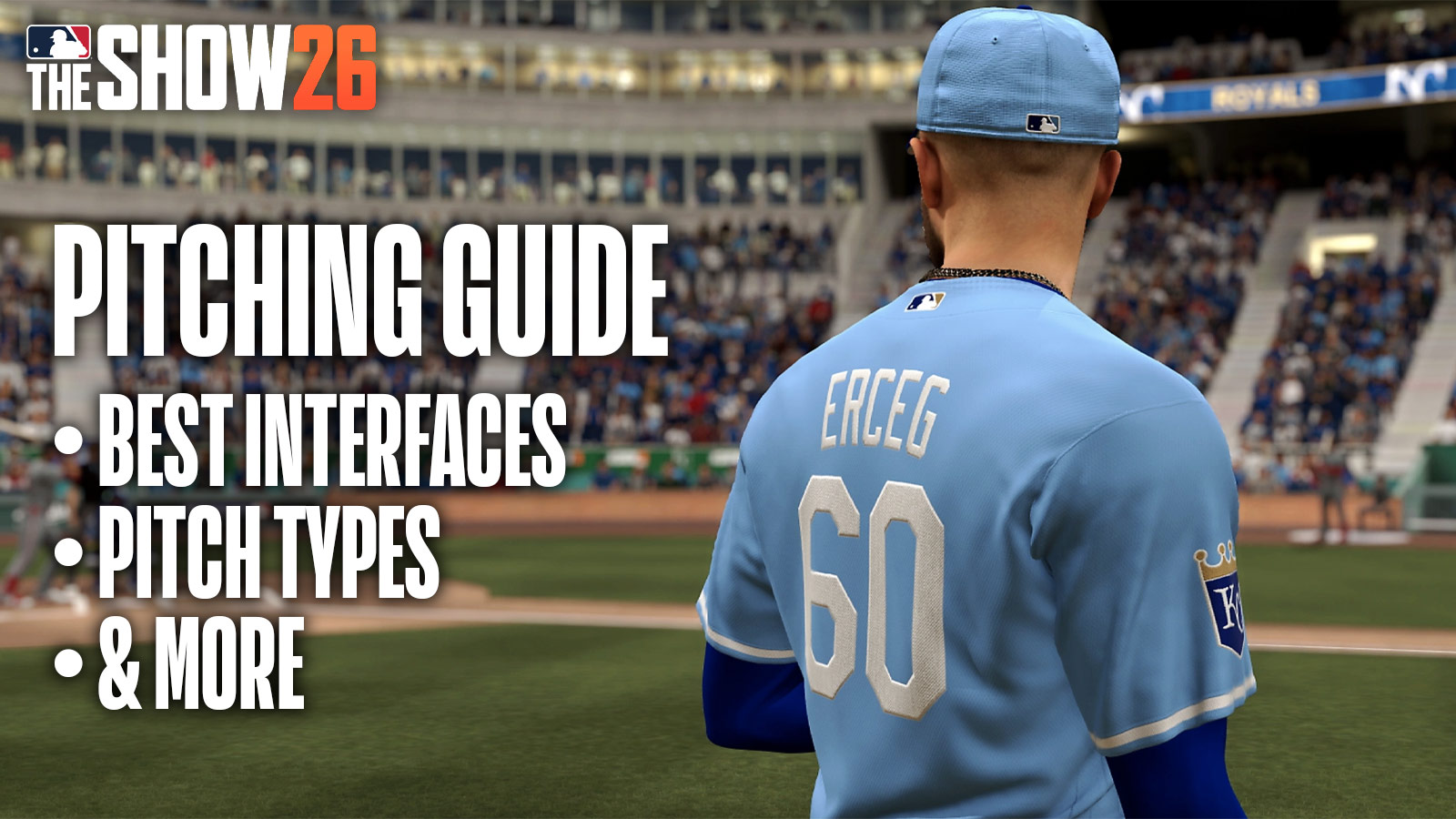

In this MLB The Show 26 Pitching Guide, we’ll go over the game’s controls, Pitching Interfaces, pitch types, and everything else you need to know to become the next Cy Young Award winner. Overall, Pitching remains similar to previous entries, but developer San Diego Studios added some new features that grant you even more control over your experience. Without further ado, let’s dive right in.
MLB The Show 26 Guide – What’s The Best Pitching Interface?
Pinpoint is the best Pitching Interface in MLB The Show 26. Kind of like how the Zone Interface has a difficult learning curve for batters, Pinpoint is more difficult than the other Interfaces. However, it offers the most control over your pitch, allowing for precise, accurate throws.
However, we still encourage new players should to try out the other returning pitching Interfaces, which include:
- Meter – A triple-click interface where the player uses a meter to influence/deliver the pitch
- Pulse – A timing-based Interface where the player taps the moment the pulse circle reaches its smallest point.
- Classic – Simple pitch type where the player only needs to select pitch type and aim. Other elements are based off player ratings & attributes.
- Pure Analog – Player uses both analog sticks – right for wind-up, left for aiming
For reference, all Pitches require the use of the Left Stick for general location. How you perform the pitch’s requirements influence your pitch.
For both new and old-school players who want a simple system, we recommend Classic. This system factors only a player’s rating and attributes. Therefore, you only need to select a Pitch Type and aim. It might be too simplistic for some, but requires little knowledge of the game to use.
Pulse is pretty easy to learn, and still offers a good amount of precision. Overall, this interface assists players with their timing, and it doesn’t require as much dependency on sticks. As someone who deals with stick drift from time-to-time, Pulse feels pretty great.
But if you prefer using the sticks, Pure Analog is a great option for you. It doesn’t feel as tough to learn as Pinpoint, and your pitches still feel pretty precise. However, you’ll need to use both sticks at the same time, so definitely practice with this one.
Meter is another option that focuses on timing and player attributes. It’s not so bad when you use high-rated pitchers. However, if your bullpen isn’t great, I tend to find it tougher to make the button presses fast enough. Pulse’s click system feels a bit easier to grasp because you don’t need to time three presses.
Pitching Tips & Tricks – MLB The Show 26 Pitching Guide
If you’re new to baseball as a sport, you might not know about different pitch types and when to use them. Therefore, we listed the different Pitch Types and Pitches below:
- All Fastball Types
- Four-Seam
- Two-Seam
- Cutter
- Sinker
- Running Fastball
- All Breaking Ball Types
- Curveball
- Slider
- Slurve
- Sweeper
- Sweeping Curve
- Knuckle-Curve
- 12-6 Curve
- Changeup or Off-Speed
- Changeup
- Circle Change
- Vulcan Change
- Splitter
- Knuckeball & Specialty
- Forkball
- Knuckleball
- Screwball
Fastball Pitches, as the name implies, are the fastest in the game. Breaking Balls move slower, but move in unique directions to catch batters off-guard. Meanwhile, Off-Speed pitches resemble Fastballs, but actually work more like Breaking Balls. Lastly, Knuckleball and Specialty Balls are unique pitch types that aren’t used as much, but can also catch batters off-guard.
When to use Each Pitch Type
The main thing to understand is that you shouldn’t feel intimidated by all pitch types. Instead, the most important things is to generally switch up your pitches and where you aim throughout the game. Obviously, if you keep using a 4-Seam Fastball and aim straight down the middle, you’ll become too predictable.
Essentially, you want to keep the batter guessing throughout the whole game. Try different pitch types, aim your pitch all over the place (even in the middle every now and then). There are no “best pitch types”, though personally, I tend to use Four-Seam and Two-Seam Pitches and mix it in with other pitches.
Ratings, Substitutions & Reserve/Closing Pitchers
Additionally, you must always take into account your pitcher’s ratings and attributes. Someone like Paul Skenes (90 OVR) will usually pitch more consistently than someone you just brought up from the Minor Leagues. Regardless, all pitchers won’t always be able to play a full nine-innings.
The more pitches your pitcher throws, the worse they’ll perform (after a certain number of pitches). Keep an eye on their energy meter, which can be seen above the pitch types. Furthermore, you increase the chance of injury the longer you keep them out. This is when you need to consider subbing your pitcher out.
That’s what Reserved and Closing Pitchers are for. As the name suggests, these Pitchers are there to relieve your starting pitcher and close the game. Sometimes, you may need to use three pitchers in a game, and even more if it goes well beyond nine-innings.
Ideally, you want to sub your Pitcher if their energy rating drops too low, or if you’ve thrown around 80 pitches or so. However, if you’re racking up the strikeouts and keeping the pitch count low, you could keep them in for the full game.
NEW Bear Down Pitching
Your Pitcher’s own Clutch Attribute makes much more of a difference this year with Bear Down Pitching. Essentially, these pitches grant you more control and velocity in the following pitch. These are great to use in big moments when you need to get that strikeout.
Furthermore, your Pitcher can stack up more Bear Down Pitches based on their Clutch Rating and performance in game. So stack these up and use them wisely, especially once your pitcher’s energy starts to drop.
Overall, that wraps up our Pitching Guide for MLB The Show 26. We hope this guide helped you understand the controls, mechanics, pitch types, and the essentials of pitching. We wish you many strikeouts in the games to come.
For more gaming and MLB news, visit ClutchPoints. Lastly, subscribe to our gaming newsletter for more weekly info.
