
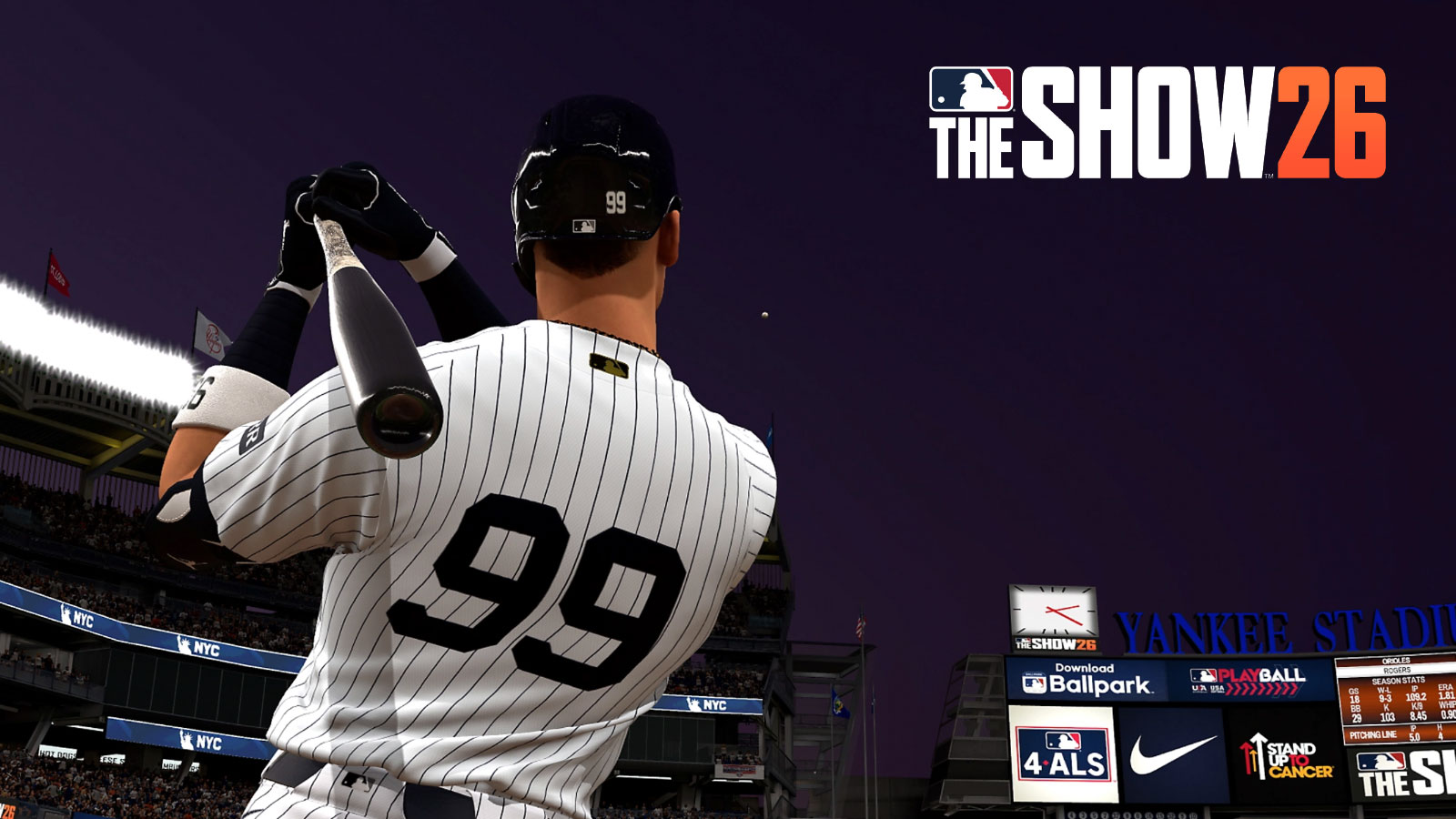
In this MLB The Show 26 Batting guide, we’ll show you the best hitting interfaces, controls, and different settings you can use to improve your experience. Overall, Hitting remains relatively similar to previous games in the series, so returning players will feel right at home. Nevertheless, this guide should help new players, while also explaining some of the improvements to batting in this year’s installment.
MLB The Show 26 Batting Guide – Controls
Overall, there’s several ways to swing in MLB The Show 26:
| Swing Type | PlayStation | Xbox |
| Normal Swing | X | A |
| Contact Swing | Circle | B |
| Power Swing | Square | X |
| Bunt | Triangle | Y |
Adjust your PCI by moving the Left Stick, and click the left stick to anchor.
Additionally, there are a few actions you can perform pre-pitch:
- View Pitch History – R2/RT
- View Defensive Positions – R2+R3/RT+RS
- Substitution – Left D-Pad
- Bullpen – Right D-Pad
- Analyze Pitcher – Up D-Pad
- Call Timeout – D-Pad Down
- *Also lets you challenge a call only after the pitch is thrown
Firstly, Normal Swings, as the name suggests, are your standard swing. Generally, this swing is what I recommend using the most, especially if your batter isn’t particularly powerful. Despite the name, you can get Home Runs from Normal Swings, but they mainly just help you get on base.
Contact Swings work best in 0-2 (maybe 1-2) situations. While not powerful, they assist the player in making contact with the ball. So if you really want to avoid an Out, a Contact Swing may be what you need.
Power Swings are best saved for 3-0 situations or when you’re feeling a bit more risky. Additionally, Batters with a lot of power like Aaron Judge will be much better at Power Swings, so feel free to use it with them a bit more liberally. However, they can sometimes be more difficult to land, but have the best chance of getting you a Home Run.
Lastly, Bunts work well in various situations. If your player is fast enough, a properly placed bunt can help them dash to 1st base. Conversely, a Bunt can be used to sacrifice your batter if you’re looking to get your 2nd base guy on 3rd. Don’t use it often, but Bunts can be a nice trick to have up your sleeve.
What’s the Best Hitting Interface for MLB The Show 26?
Overall, there are multiple hitting interfaces in MLB The Show 26:
Zone Hitting, the player moves the PCI to line up their swing. Overall, it allows the player to control their level of contact, and it gives you full control over your swing. It is arguably the best Interface, but also the most difficult to learn. But it’s well worth the time and effort for those who take the time to learn it.
Furthermore, there are two other Hitting Interfaces which are variations of the Zone Interface:
- Fixed Zone – PCI Indicator does not return to center upon release of left stick
- Big Zone – Uses Left Stick to select one of nine sections where you believe the pitch will go
Personally, I prefer Standard Zone, but Fixed Zone at least feels a bit easier to use.
Timing is a fantastic, classic interface which is easy for players to learn. You do not need to use the analogue stick, as you leave certain indicators up to the AI. We recommend newcomers to try this first, as it’s the easiest for diving right into the game.
Lastly, Directional lets you influence the direction where the ball may go, if contact is made. If you like to plan out where you hit the ball, this interface isn’t too bad. Since different stadiums have different structures, you may want the ball flying in a different direction.
Overall, Zone is arguably the best, but Timing is great for those who enjoy a simpler experience.
Tips & Tricks
Firstly, before heading out to a ballgame, check the lineup of the opposing team as well as yours. Look at their pitcher’s ratings and take a look at your lineup as well. Having a better understanding of both your roster and theirs lets you know who your best hitters, and their best pitchers are.
Furthermore, players may also adjust their swing view in the settings. So if you don’t like the default view, feel free to change it. Additionally, there’s lots of other things you can customize, like PCI Transparency, which makes it easier to see the ball coming.
The All-New ABS system lets you challenge an umpire’s ball or strike calls. Just press down on the d-pad when the prompt arrives to challenge a call. You have at least two challenges a game, so use them if you can.
There’s two main things to keep in mind when batting: Your batter’s skill, and putting pressure on the pitcher.
Your batter’s ratings determine how good they are. A DH like Shohei Ohtani and Aaron Judge are great for using Power Swings. But if you’re using a guy you just brought up from the Minors, try sticking to Normal or Contact Swings for safety. Again, their ratings determine how effective they are at certain things.
Lastly, it’s important to put pressure on the pitcher throughout the game. While it’s tempting to swing at every pitch, you need to keep an eye on where the ball is going. If it’s going too far from the strike zone, don’t swing. It could end up being a ball, which will save you from a strike, and increase their pitch count.
Ideally, the pitcher wants to get batters out in the least amount of throws. However, you need to prevent that in any way possible. For example, if three’s there balls and no strikes, you could theoretically risk not swinging to see if he throws another ball. Or, feel free to risk it with a Power Swing. Keeping the pitcher guessing is also important.
On the other hand, if there are two strikes, you may want to swing more often. In this case, use Contact Swings to increase your chances of hitting the ball. Even if you hit a foul ball, you’ll get the chance to swing again. Furthermore, you’re slowly but surely tiring out the pitcher.
Throughout the game, you’ll identify a pitcher’s favorite pitch types. The game uses real MLB pitch usage rates, so you may even know how they play just by watching them in real life. Furthermore, you can also see their pitch history to get a better idea of what they like to throw.
The more a pitcher pitches, the less effective they become. The goal is to deplete an opponent’s bullpen, making them sub often and force multiple pitchers to play. When a pitcher gets subbed out, the cycle starts over, and you’ll need to tire them out again.
Overall, that wraps up our MLB The Show 26 Batting Guide. We hope this guide helps you understand the basics on how to swing, each swing type, interface, and general tips on batting. We wish you luck as you inevitably break records in RTTS.
Lastly, for more gaming and MLB news, visit ClutchPoints. Lastly, subscribe to our gaming newsletter for more weekly info.
